
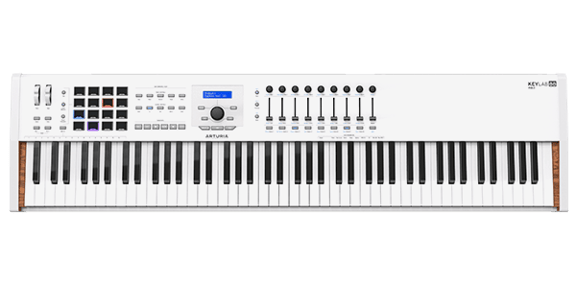
KeyLab 88 MkII
Expressive, versatile MIDI and modular controller.
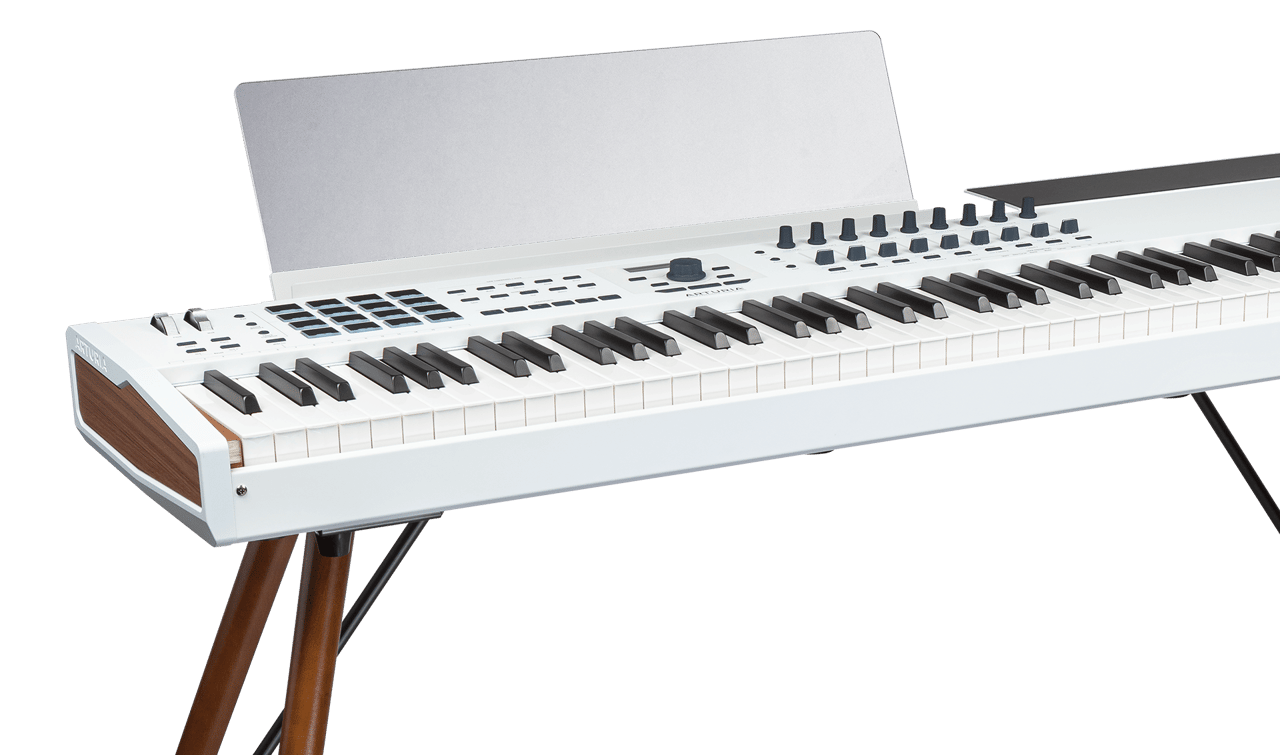
KeyLab 88 MkII
Tutorials
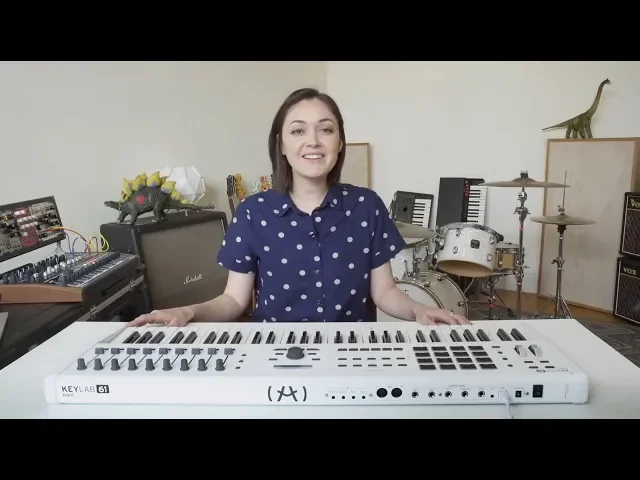
Tutorials | Ep. 1: Discovering your KeyLab MkII
Master your controller
In the first episode of the series, Andrea introduces you to the features found on the top panel, the huge connectivity available, and demonstrates the chord modes found in KeyLab MkII.
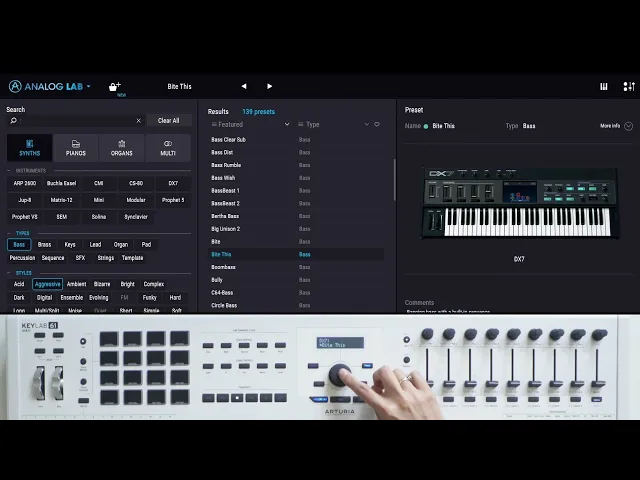
Tutorials | Ep. 2: Integration with Analog Lab
7000 legendary sounds at your fingertips
Find out how easy KeyLab MkII makes browsing, selecting, tweaking, and performing the vast collection of amazing synth and keyboard sounds that come with KeyLab MkII.
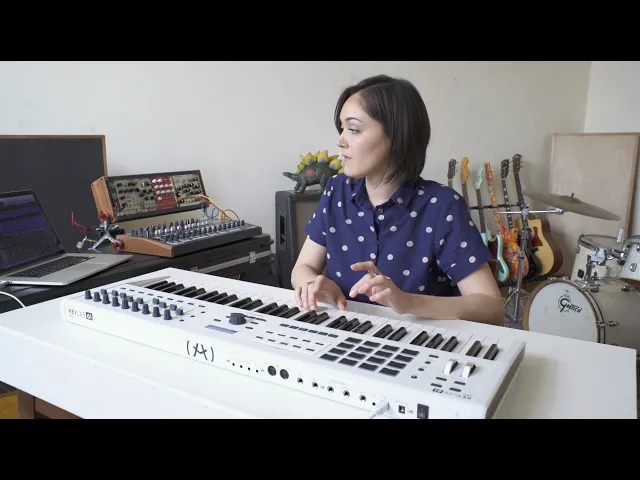
Tutorials | Ep. 3: Integration with DAWS
Full control, no matter what you use
KeyLab MkII features 10 dedicated DAW control switches and 6 transport buttons so you can take total control of your creative environment and stop relying on your keyboard and mouse.
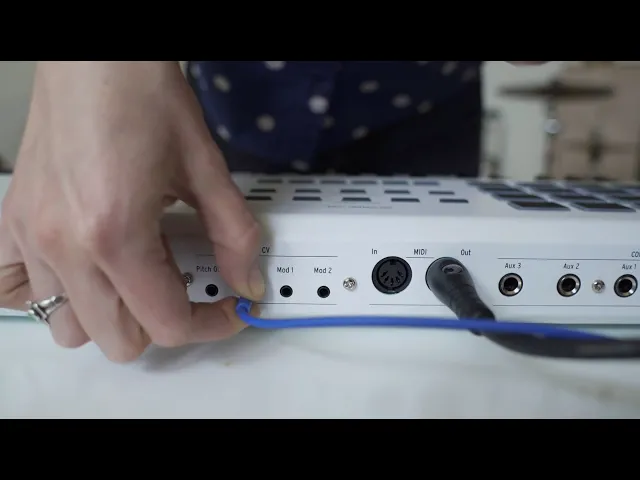
Tutorials | Ep. 4: User modes & CV/GATE connectivity
Customize and explore
In the final episode, Andrea shows us how to personalize every aspect of KeyLab MkII using the onboard controls and MIDI Control Center, as well as how to control your modular equipment.
Need more help ?
Our support team is happy to help you with questions on how to use Arturia instruments. You can contact them from this page :
Ask for help