
Synclavier V
The digital dream machine.
1. Download & install the Arturia Software Center (ASC)
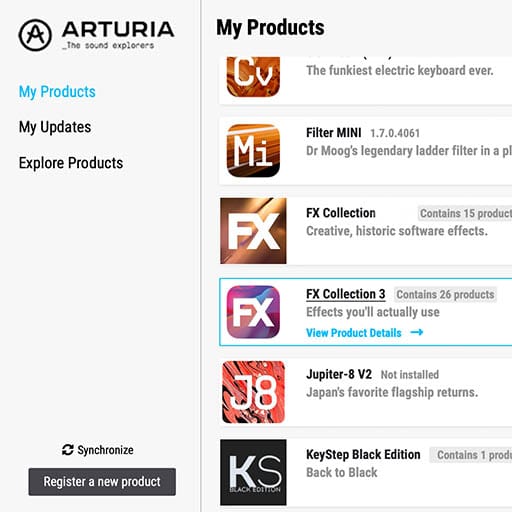
The Arturia Software Center (aka ASC) lets you activate, install and update your Arturia virtual instruments on your computers.
It will let you access the software you own as well as demos of the other titles in the Arturia catalog.
2. Log into the Arturia Software Center
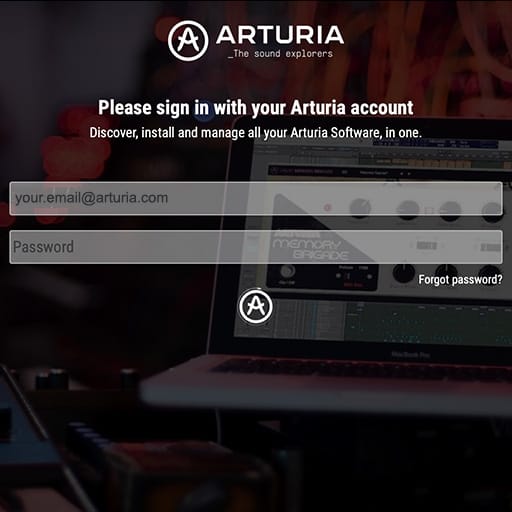
Enter the same email address and password as for your My Arturia account. You will then be able to find your Product License on the main panel.
If you don’t have a My Arturia account, click on create account and follow the process to create one.
If you're using an offline computer, please follow the process described in this this article
If you have purchased your software license on the Arturia website, it has been automatically registered into your account. Otherwise click on the button “Register a new product” on top of the main window.
3. Install and Activate your product through the ASC
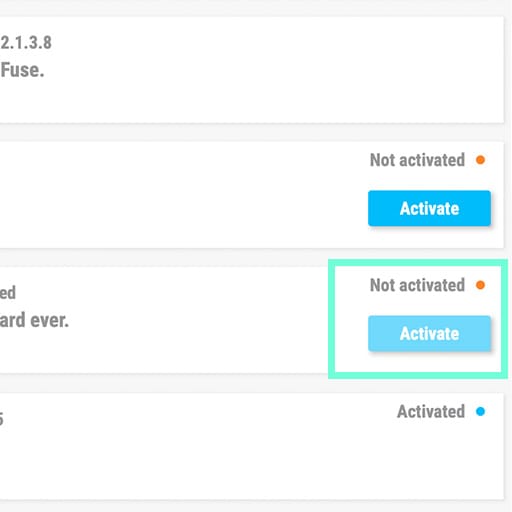
Look for your product in the list and click on the “Install” button to launch the silent installation process.
You will be asked to define the destination folders on the first time.
Your product will remain in demo mode until it is activated. To do so click on the “Activate” button. Your brand new effect will now be activated.
You are now able to use it without restriction on up to 5 different computers simultaneously. To do that, repeat this operation on your other computers.
4. Launch Your Product
Your product is not available as a standalone software.
It must be used in a DAW (Digital Audio Workstation).
Click on the icons to see how to select and use your new effect in the most popular DAWs:
Discover, experiment, enjoy!

Ableton Live

Bitwig

Cubase

FL Studio
Logic Pro X
Pro Tools

Studio One
Digital Performer
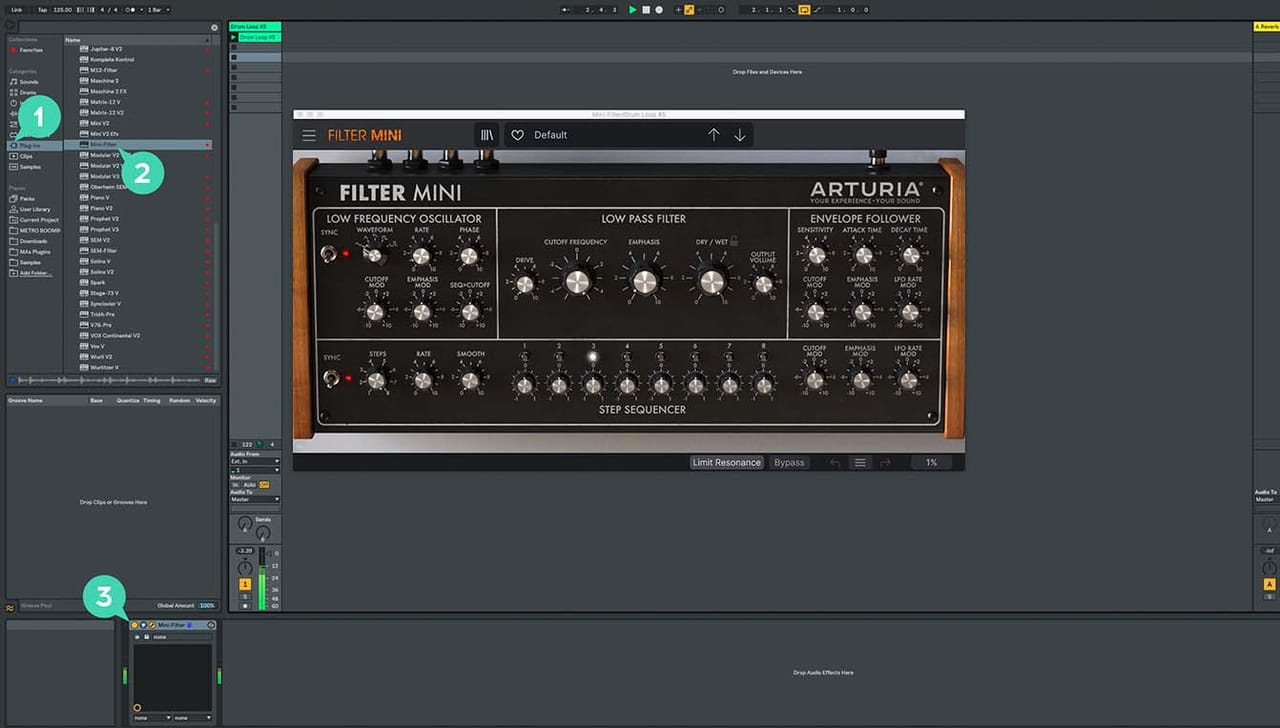
For Ableton Live
1/ Open the Live browser, and click on the 'Plug-ins' section.
2/ In the VST or Audio Unit* folder, browse the virtual effect of your choice.
3/ Drag & drop it in your track or FX return.
Synclavier V
Tutorials
Tutorials | Ep. 1: Tutorial Part I
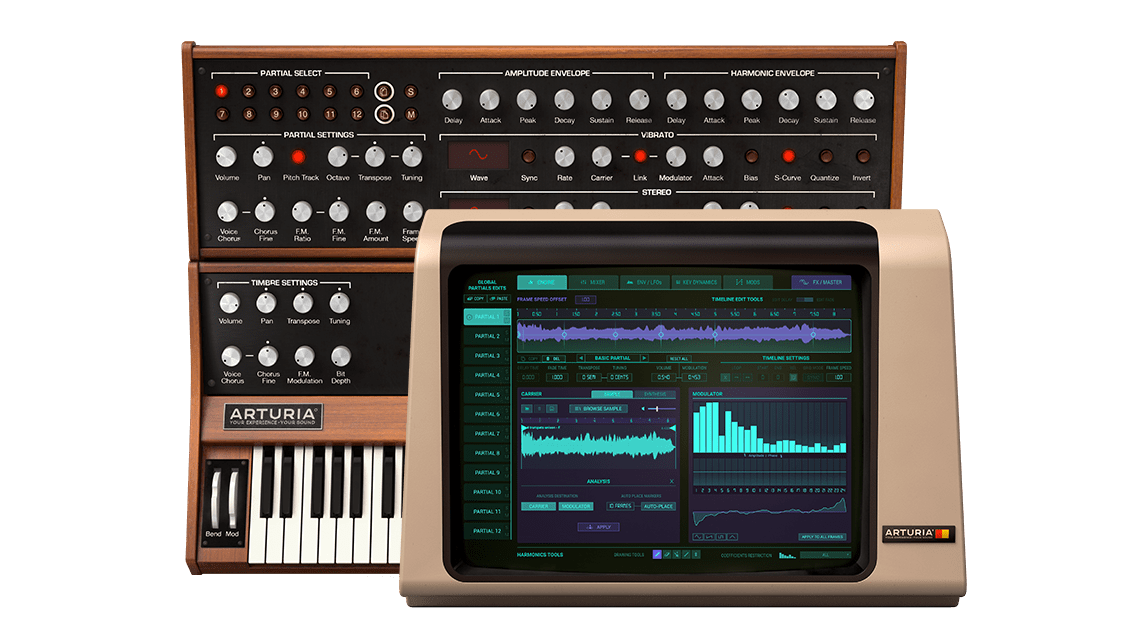
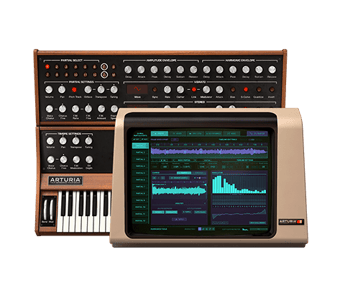
The Synclavier V faithfully recreates the elite digital synthesizer/workstation that started it all, powering some of the biggest hits and film soundtracks of the early ‘80s with its unique rich, edgy sounds.
Tutorials | Ep. 2: Tutorial Part II
Arturia has recreated the Synclavier, this highly revered hit maker in partnership with original programmer Cameron Jones, delivering the immense rich textures and creative palette of this vintage instrument, while dramatically improving it to let you blaze new musical trails today with sounds never heard before.
Tutorials | Ep. 3: Update 2.0 - The power of Resynthesis
Synclavier V has been updated to version 2.0. Now featuring a powerful resynthesis engine, vintage sample playback, all-new presets, and a great sample library to explore.
Tutorials | Ep. 4: Tutorial Update 2
Get a quick overview of some of the most important new features found in Synclavier V update 2.0. In this video, Guy covers the new sampling capabilities, the resynthesis engine, and some of the new grid features.
Synclavier V
Software
Manuals
Synclavier V EN Manual
Versionen - 2.0.1|29.61 MB|10/15/2018
Need more help ?
Our support team is happy to help you with questions on how to use Arturia instruments. You can contact them from this page :
Ask for help