Bei näherer
Betrachtung
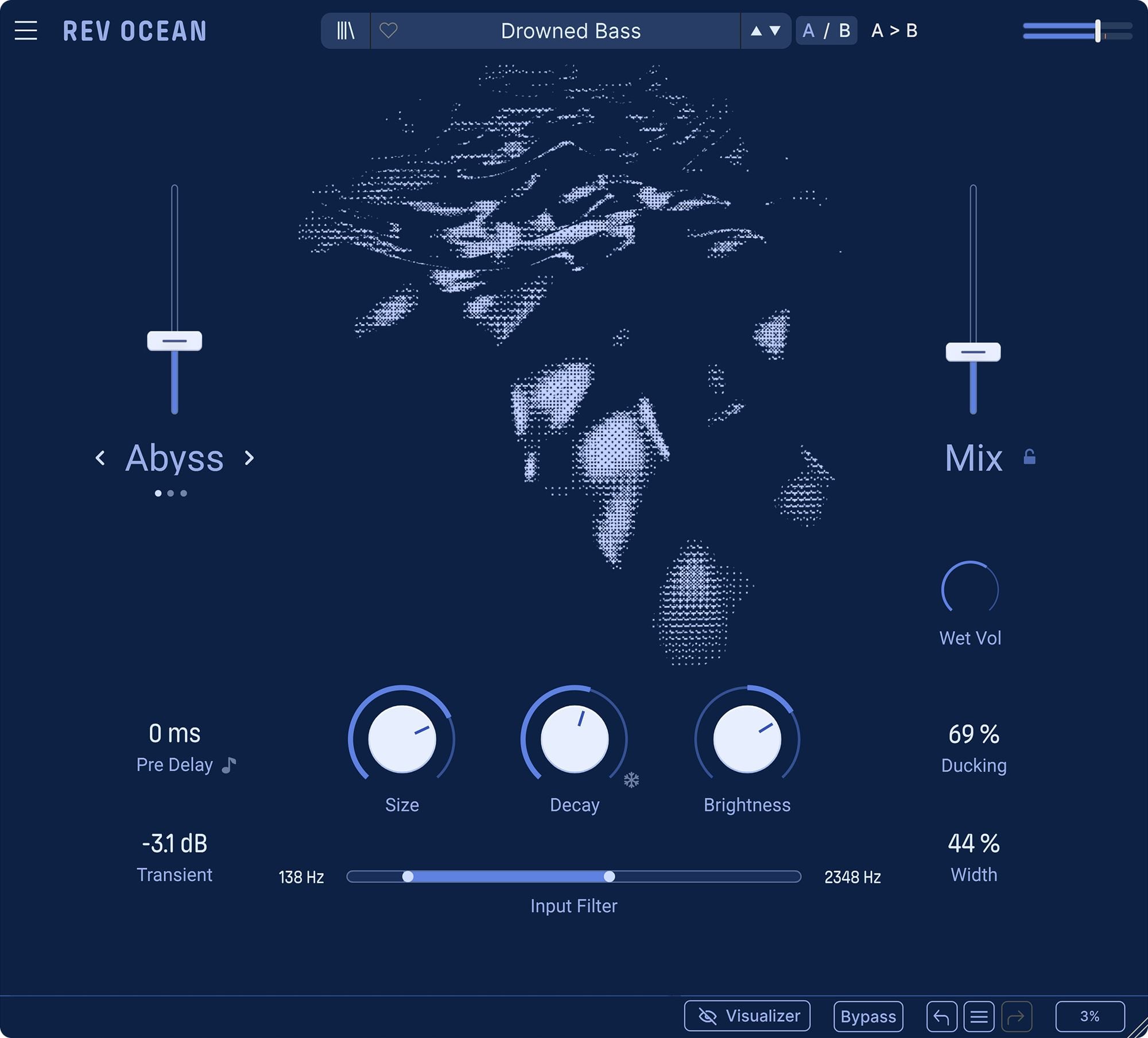
From subtle ambience to vast oceanic reverb, dive into the core controls below and see how Rev OCEAN shapes depth, motion, clarity and flow.
Overview
Rev OCEAN
1
Mode
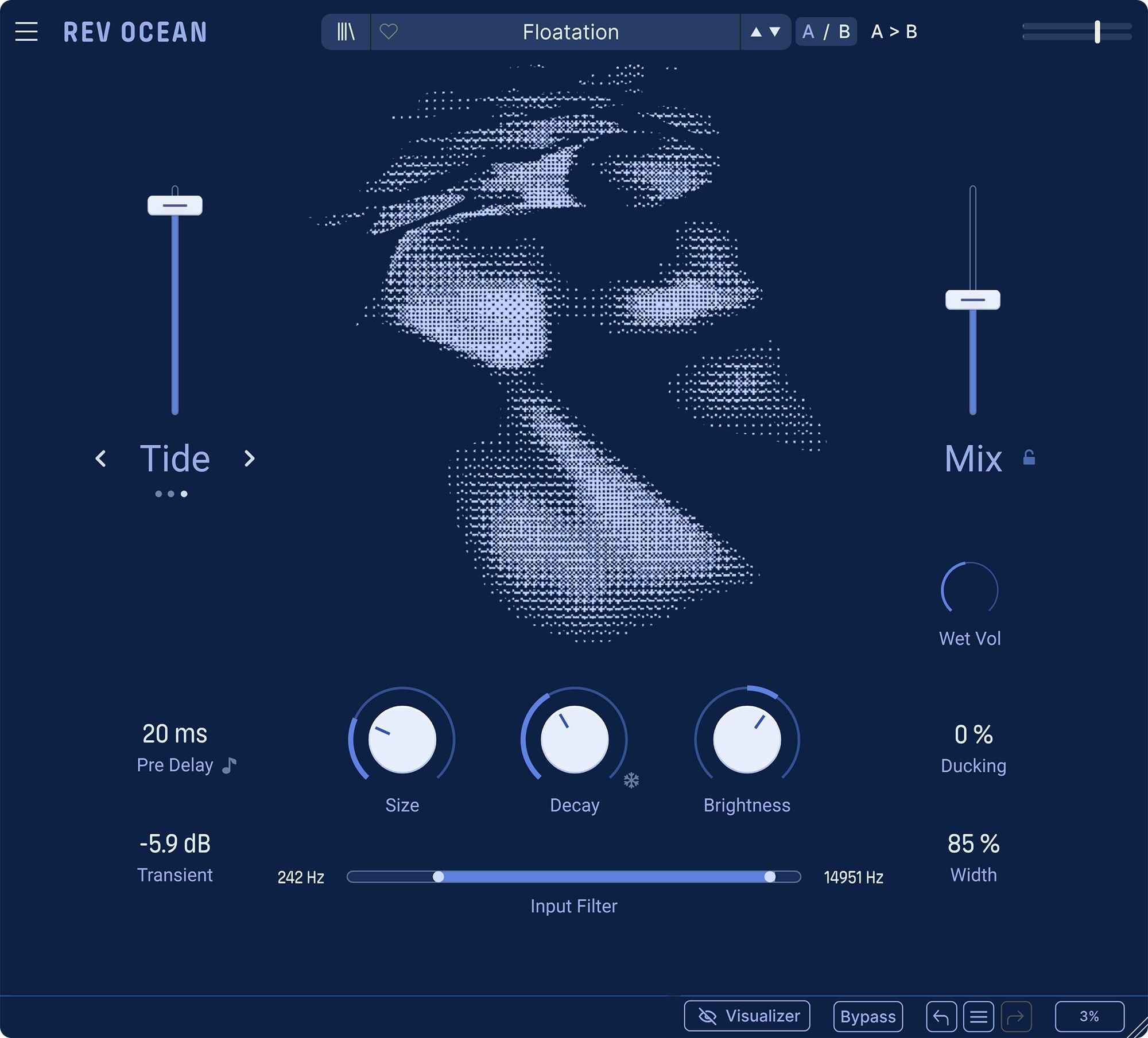
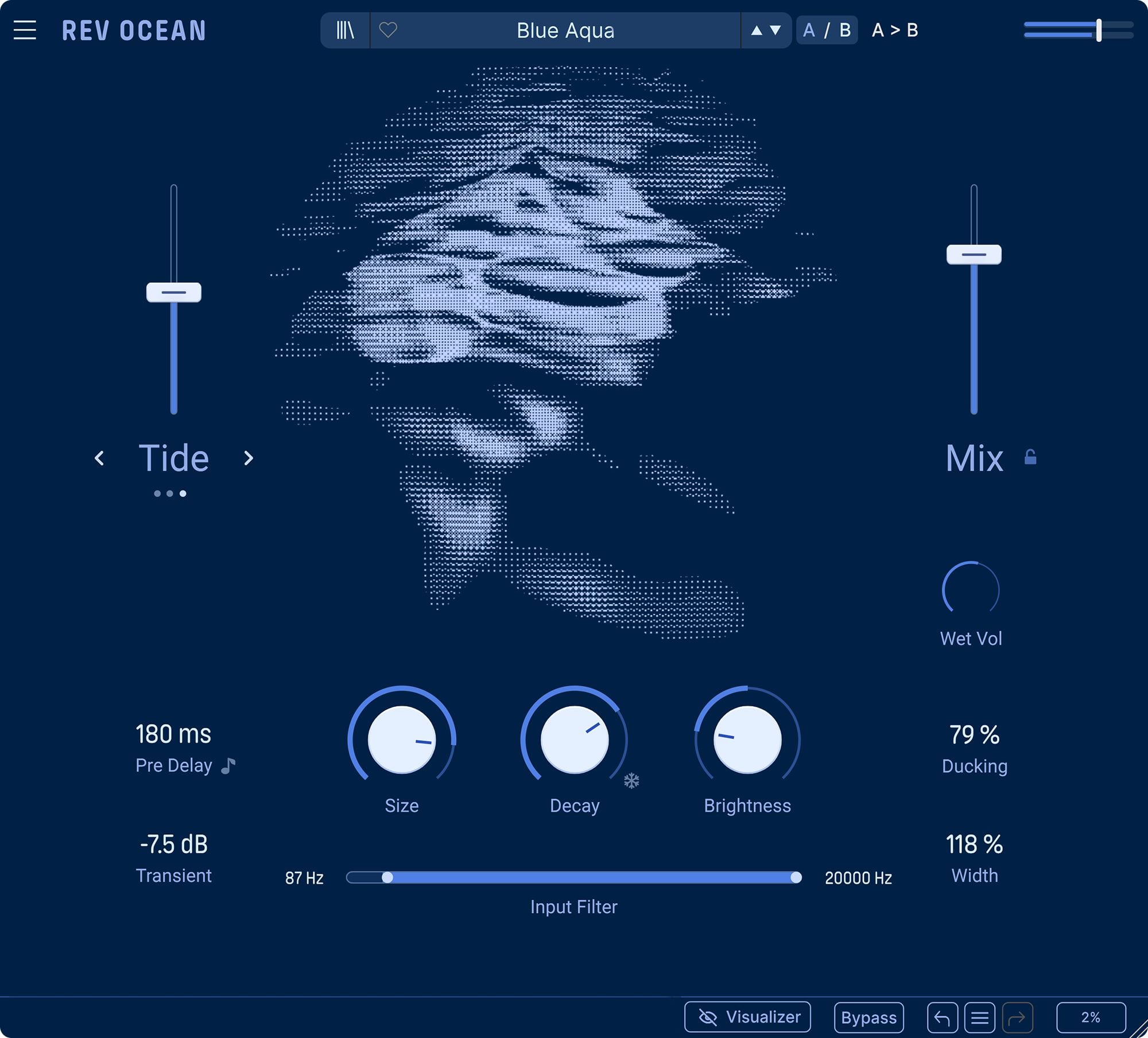
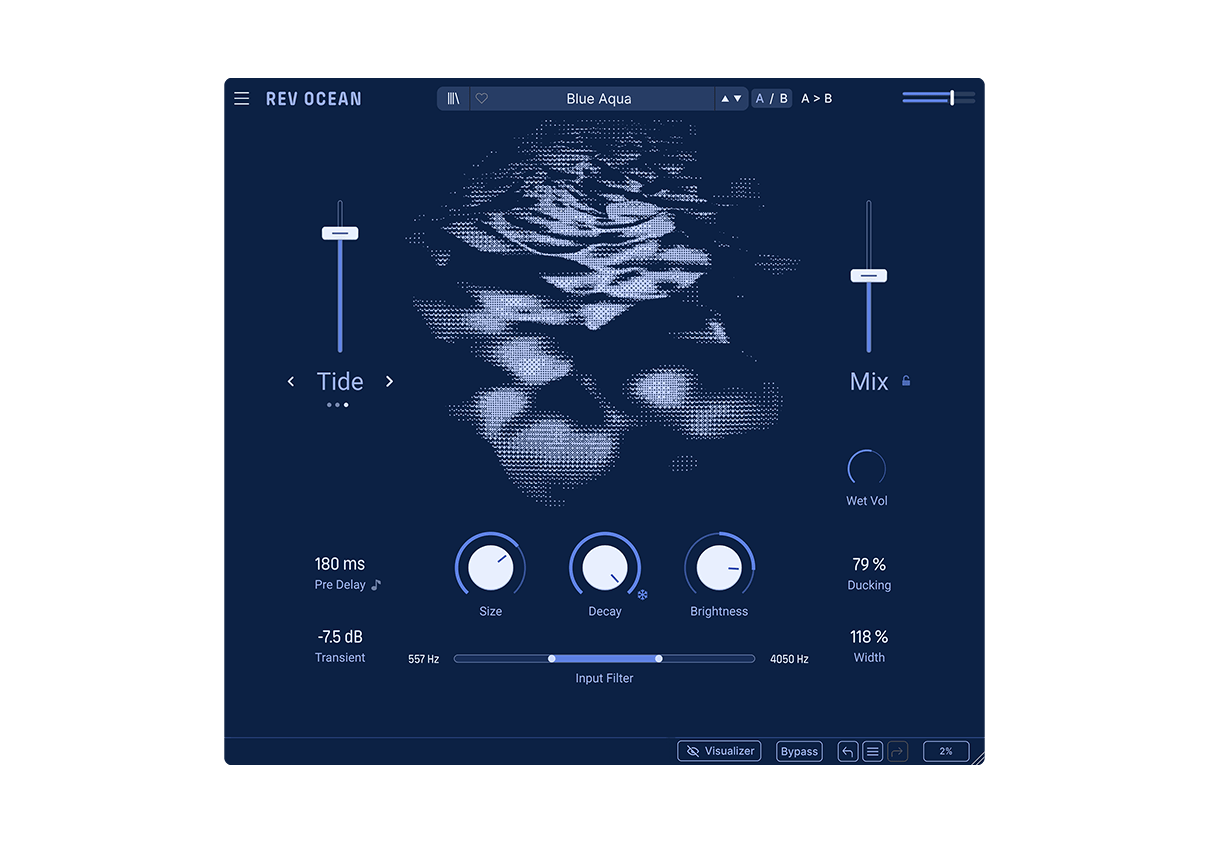
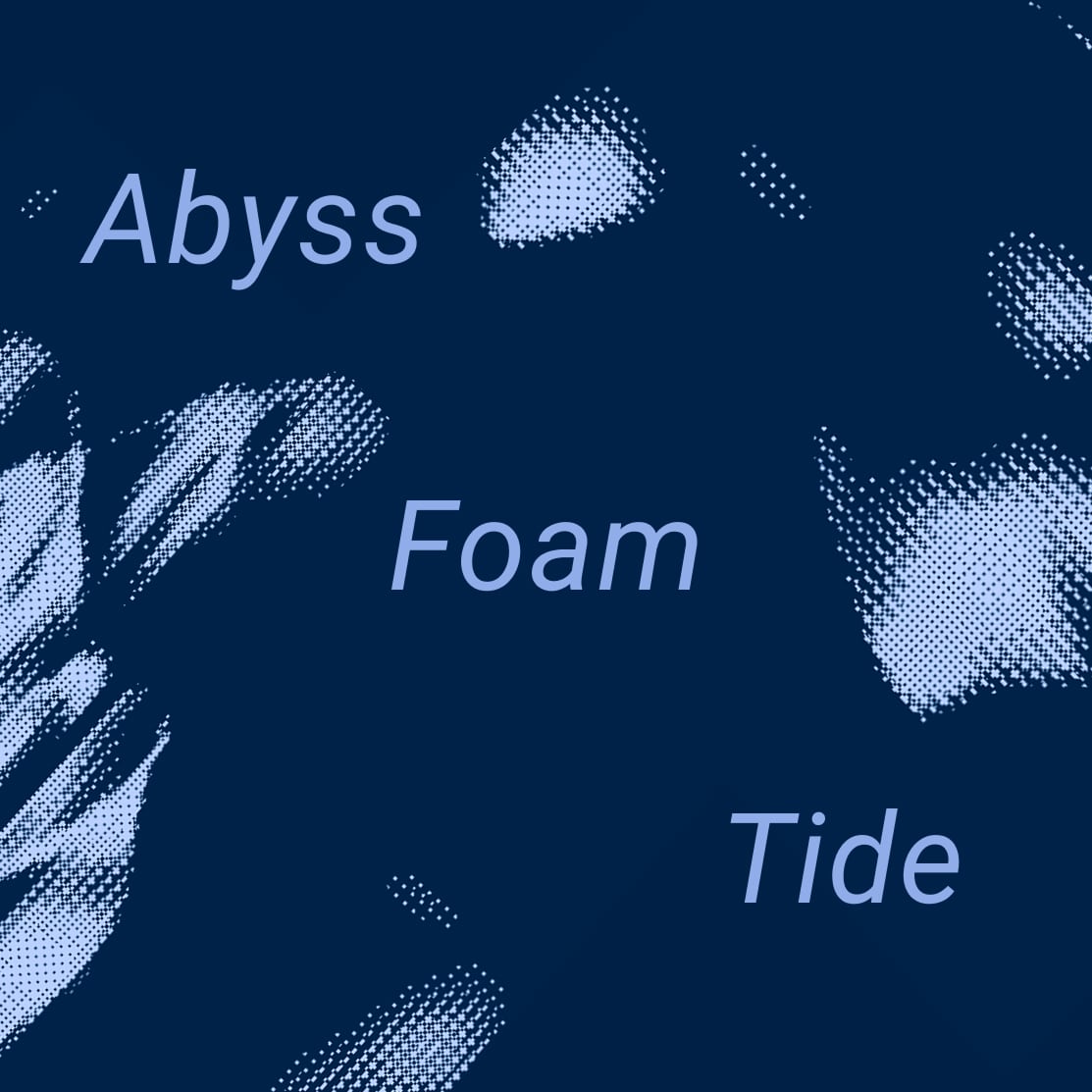
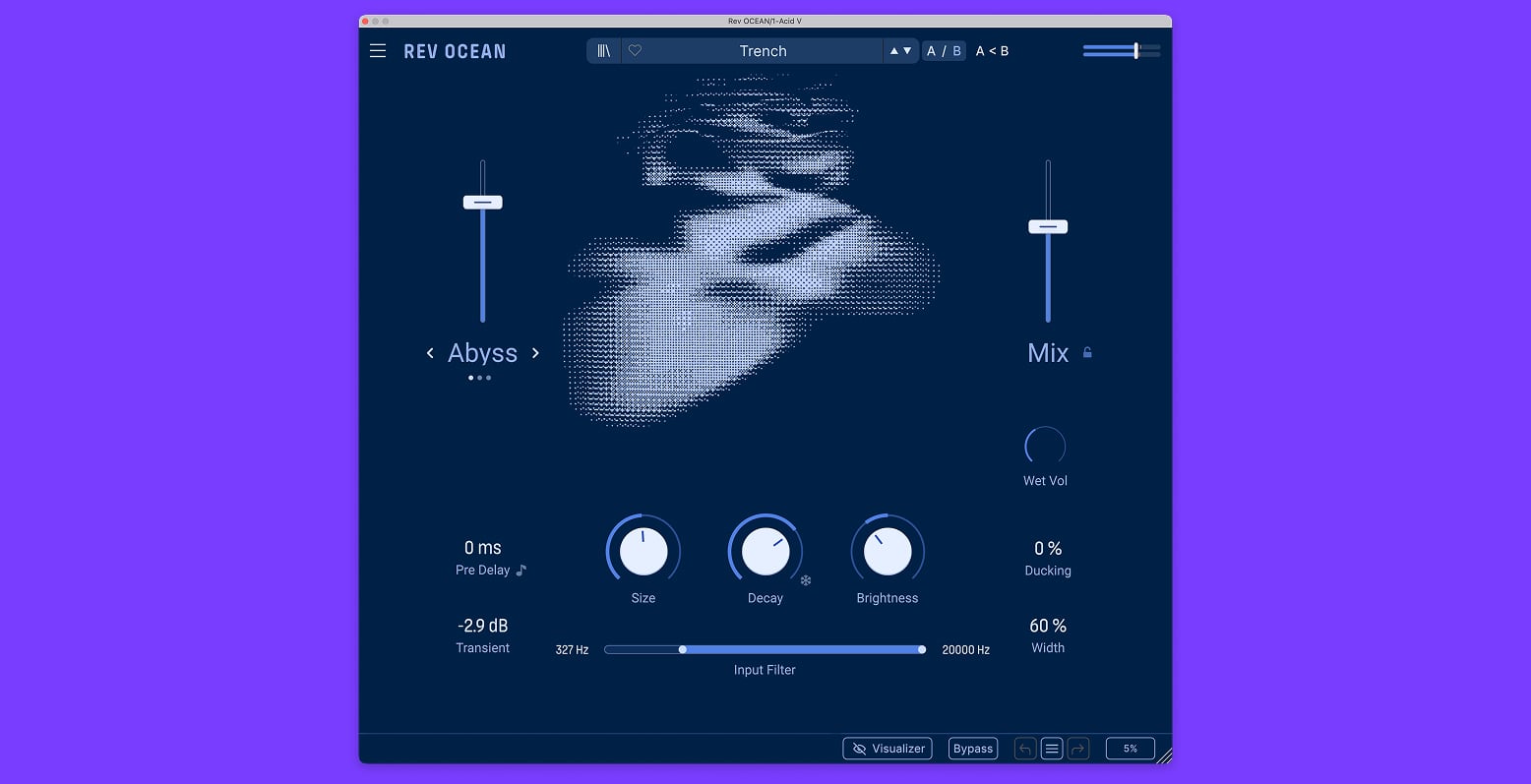
Choose the current that shapes the character of the reverb tail. Abyss adds layered reverse depth, Tide creates modulated spectral motion, and Foam builds soft diffused swells - each giving the space its own movement and behaviour.
2
Macro
Use the left-hand Macro slider to control the intensity of the selected mode. Push it to bring more reverse motion, wave-like filtering, or diffused attack into the tail, depending on whether Abyss, Tide, or Foam is active.
3
Reverb
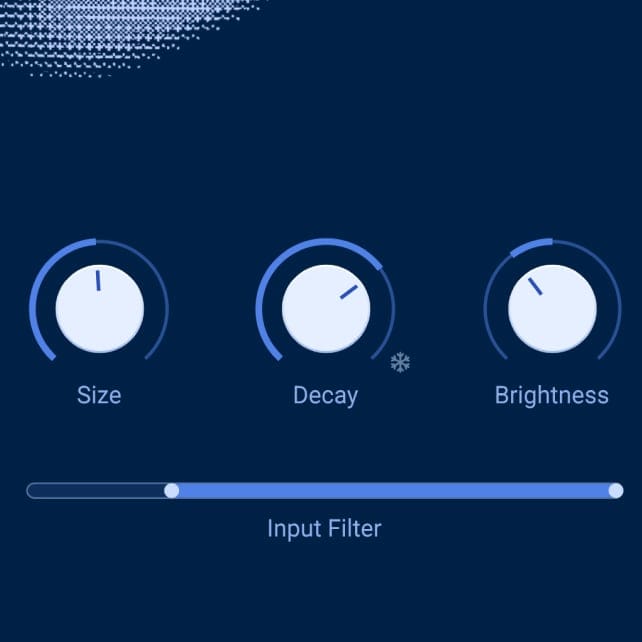
Shape the main body of the space with Size, Decay, and Brightness. Resize the virtual room, set how long the tail fades, and adjust the tone of the reverb from dark and absorbed to bright and open. Press the snowflake icon or push Decay to maximum to freeze the tail for suspended textures and infinite spaces.
4
Utilities
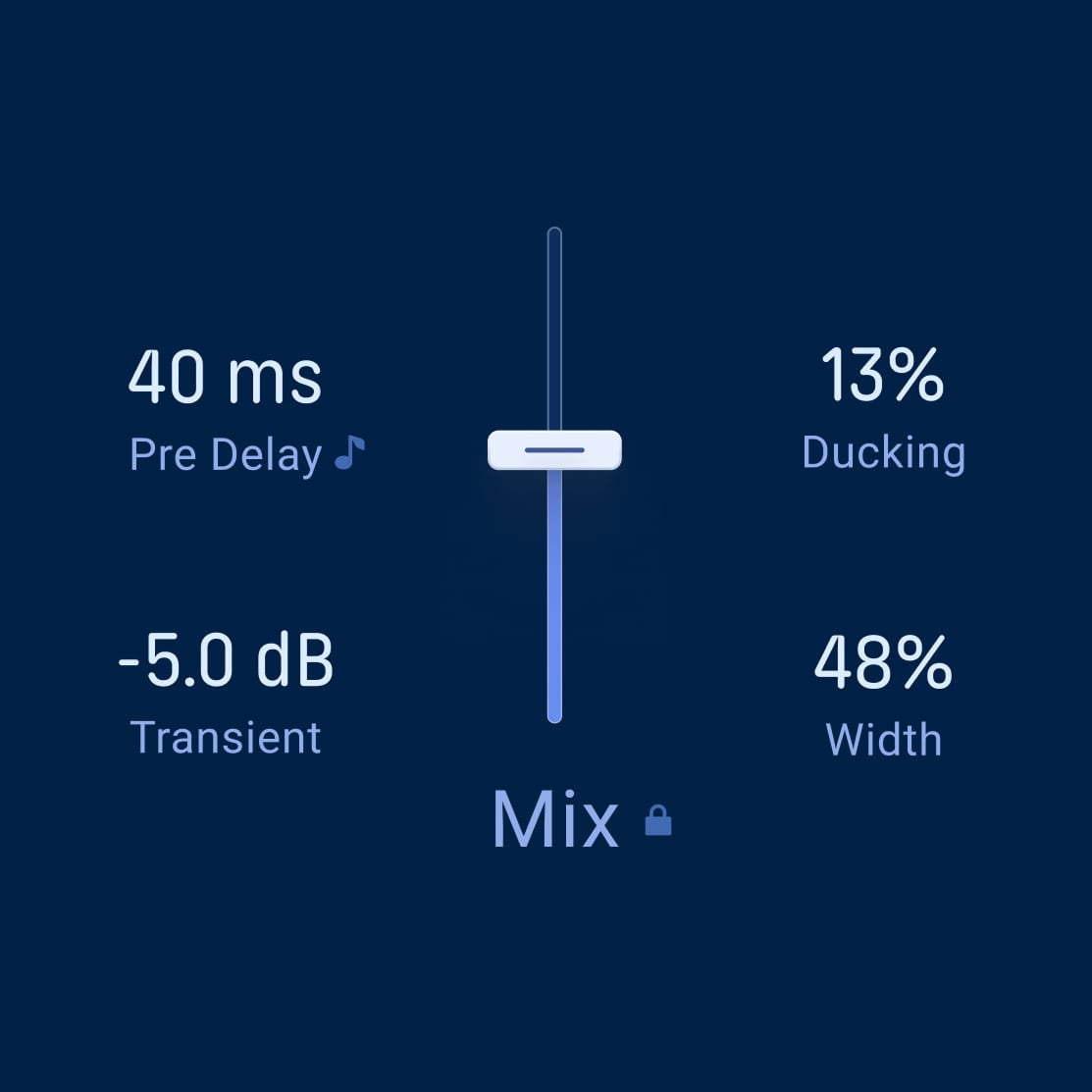
Fine-tune how the source feeds and interacts with the reverb. Set Pre Delay, smooth sharp attacks with Transients, filter what enters the tank with the HPF/LPF Input Filter, use Ducking to keep the source clear, and adjust Width for a wider or more focused stereo image.
5
Ausgang
Balance the final result with Mix, Wet Vol, and Mix Lock. Blend dry and wet signal, set the return level, and browse presets while keeping your mix position exactly where you want it.
Overview
Rev OCEAN
1
Mode
Choose the current that shapes the character of the reverb tail. Abyss adds layered reverse depth, Tide creates modulated spectral motion, and Foam builds soft diffused swells - each giving the space its own movement and behaviour.
2
Macro
Use the left-hand Macro slider to control the intensity of the selected mode. Push it to bring more reverse motion, wave-like filtering, or diffused attack into the tail, depending on whether Abyss, Tide, or Foam is active.
3
Reverb
Shape the main body of the space with Size, Decay, and Brightness. Resize the virtual room, set how long the tail fades, and adjust the tone of the reverb from dark and absorbed to bright and open. Press the snowflake icon or push Decay to maximum to freeze the tail for suspended textures and infinite spaces.
4
Utilities
Fine-tune how the source feeds and interacts with the reverb. Set Pre Delay, smooth sharp attacks with Transients, filter what enters the tank with the HPF/LPF Input Filter, use Ducking to keep the source clear, and adjust Width for a wider or more focused stereo image.
5
Ausgang
Balance the final result with Mix, Wet Vol, and Mix Lock. Blend dry and wet signal, set the return level, and browse presets while keeping your mix position exactly where you want it.
Overview
Rev OCEAN
1
Mode
Choose the current that shapes the character of the reverb tail. Abyss adds layered reverse depth, Tide creates modulated spectral motion, and Foam builds soft diffused swells - each giving the space its own movement and behaviour.
2
Macro
Use the left-hand Macro slider to control the intensity of the selected mode. Push it to bring more reverse motion, wave-like filtering, or diffused attack into the tail, depending on whether Abyss, Tide, or Foam is active.
3
Reverb
Shape the main body of the space with Size, Decay, and Brightness. Resize the virtual room, set how long the tail fades, and adjust the tone of the reverb from dark and absorbed to bright and open. Press the snowflake icon or push Decay to maximum to freeze the tail for suspended textures and infinite spaces.
4
Utilities
Fine-tune how the source feeds and interacts with the reverb. Set Pre Delay, smooth sharp attacks with Transients, filter what enters the tank with the HPF/LPF Input Filter, use Ducking to keep the source clear, and adjust Width for a wider or more focused stereo image.
5
Ausgang
Balance the final result with Mix, Wet Vol, and Mix Lock. Blend dry and wet signal, set the return level, and browse presets while keeping your mix position exactly where you want it.
1
2
3
4
5