Pigments 7
what’s new
Punchier sound, sharper control, deeper playability
The latest free update refines Pigments’ core experience with an audio-reactive Play Page, gritty new tone-shaping tools like the Rage filter and Corroder FX, and workflow upgrades that make it faster and more inspiring to design bold, mix-ready sounds.

What's new?
In this free update, Pigments gets an audio-reactive Play Page, gritty new Rage, Ripple, and Reverb filters, the Corroder texture FX, smarter modulation feedback, and CPU boosts for bigger patches. You also get new creative content: 150 fresh sounds, new wavetables, samples, noises, and hands-on tutorials that show how each sound is built. Here’s what’s new:
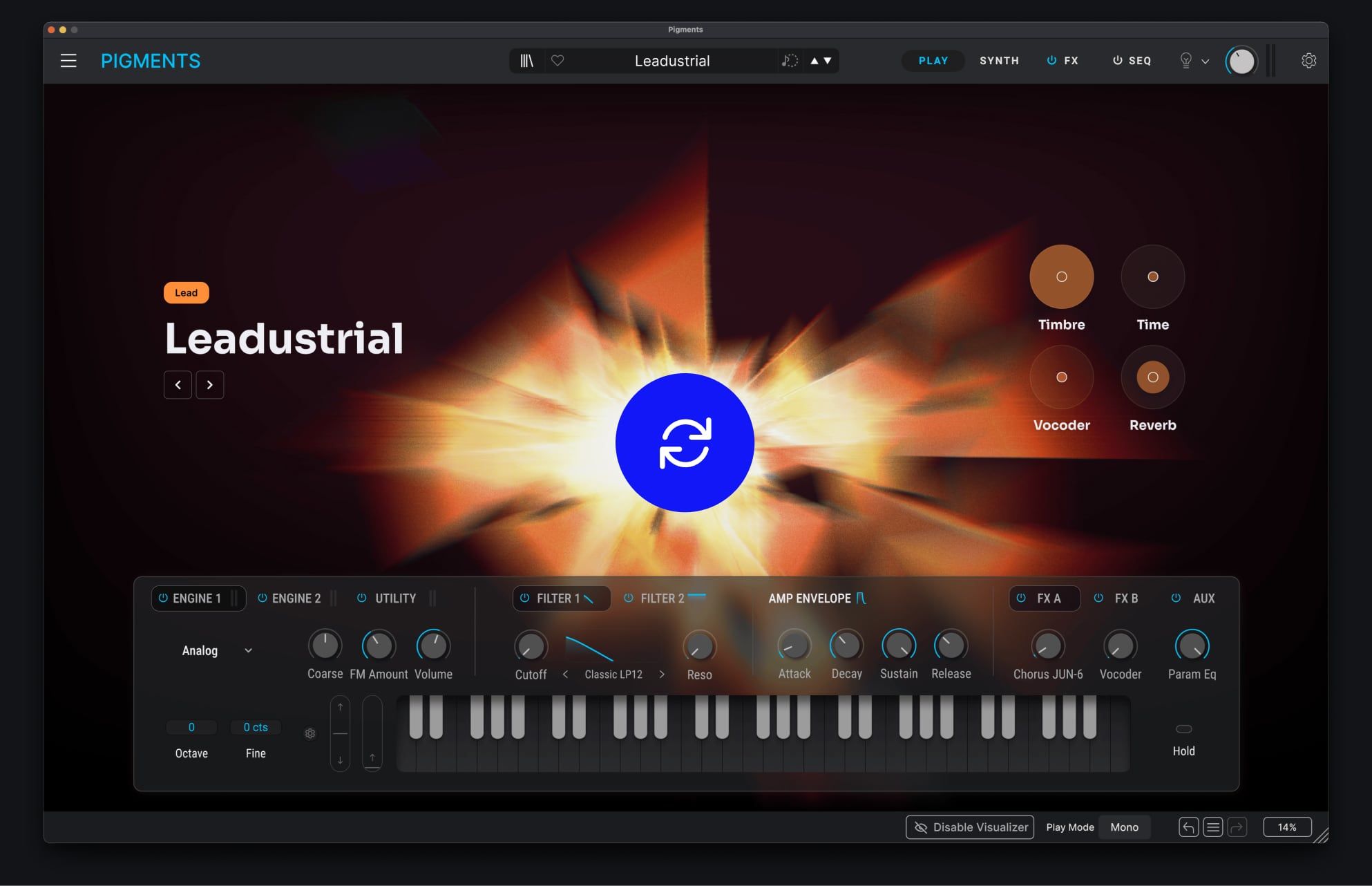
Redesigned Play View
Focus on playing, feeling, and shaping your sound. The new Play Page visualizes both your audio and key parameters, with quick-edit controls and responsive animations per sound type.
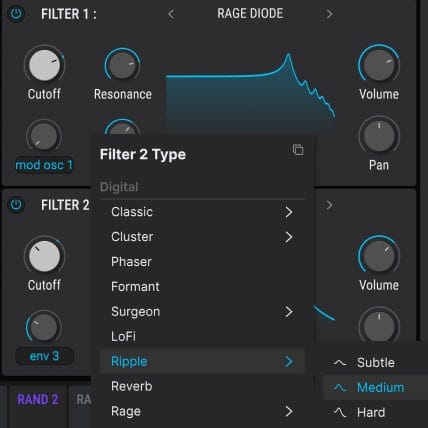
New creative filters
Explore new tonal possibilities with three expressive filters: Rage, Ripple, and Reverb. From feedback-fueled distortion to rippling phase shifts and characterful reverb color, each brings new motion and texture to Pigments’ sound.
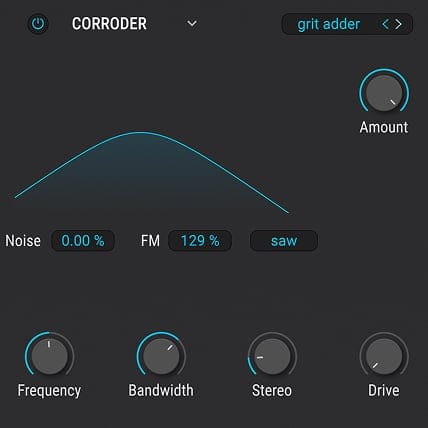
New FX module
Push your sound further with Corroder, a modulation-driven erosion effect. From FM-tinged edges and filtered grain to wide, driven distortion, it delivers controlled grit while preserving the character of your dry signal.
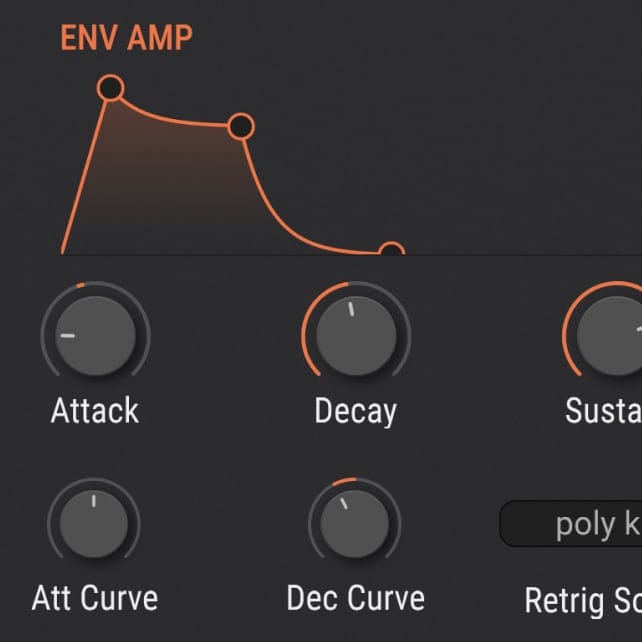
Enhanced punch & presence
Pigments 7 sharpens its default behaviour with smoother, S-shaped amplitude envelopes that reduce clicks and deliver cleaner, harder-hitting sounds-especially in bass-heavy and club-focused production.
New creative content & tutorials
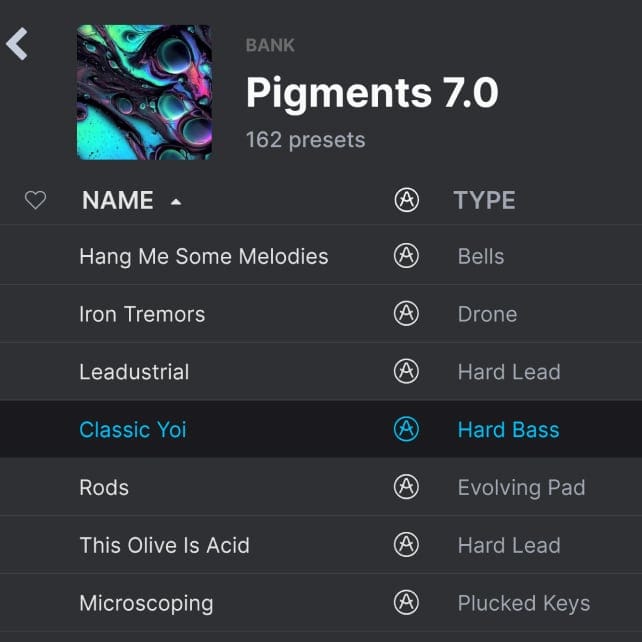
Expand your palette with 150 new factory presets, 50 wavetables, 30 samples, and 20 noises, plus in-app, use-case tutorials that walk you through sound designing granular pads, basses, and more.
Modulation & CPU improvement
Modulation ranges are now displayed visually for easier editing, while optimized processing delivers extra headroom for complex modulation, layered engines, and heavy FX chains.