
PolyBrute 12
El arte de la expresividad
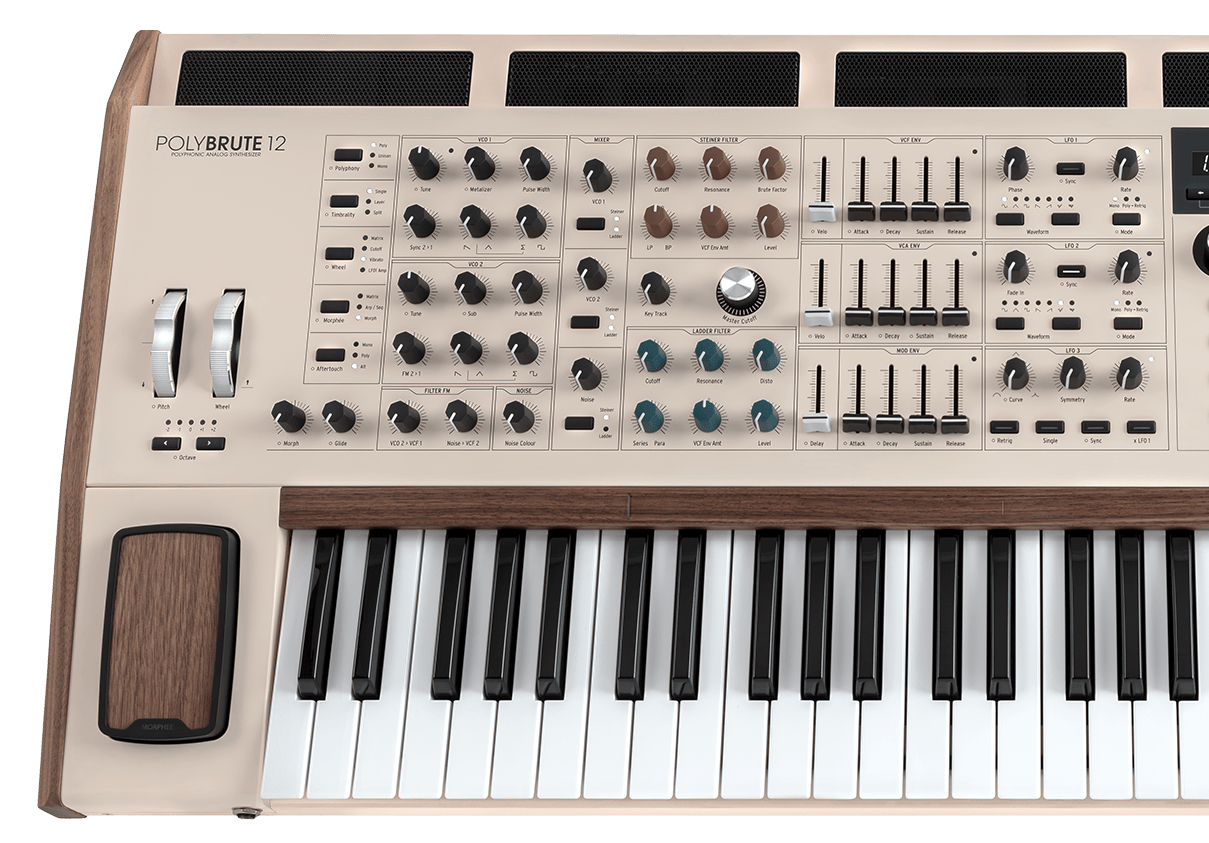
PolyBrute 12
Tutoriales
Tutoriales | Tutorials | PolyBrute 12 - Overview
Follow Matt Paul as he dives into PolyBrute 12, the most expressive synth ever. From its expanded 12-voice architecture and FullTouch® keyboard to the Brute oscillators, modulation matrix, morphing presets and effects - PolyBrute 12 is a conduit to unprecedented soundscapes.
Tutoriales | Tutorials | PolyBrute 12 - Settings & PolyBrute Connect
Follow Matt Paull as he takes you through the entire Settings area of the PolyBrute 12, unlocking many additional features of the instrument. Additionally, you will learn about its software counterpart called PolyBrute Connect, which will help you understand how to organize and manage your sounds and presets.
Tutoriales | Tutorials | PolyBrute 12 - FullTouch® Keyboard
PolyBrute 12's FullTouch® keyboard enables polyphonic expression unlike any other analog synth. Matt Paull shows us how in this in-depth tutorial, introducing a range of breathtaking presets and new aftertouch modes that set a new standard for in-the-moment analog expression.
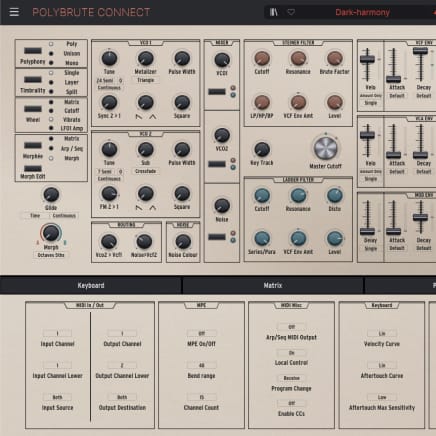
2. Abre PolyBrute Connect
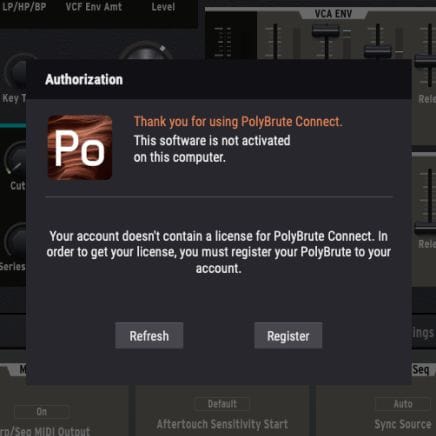
Una vez instalado, conecta el PolyBrute a tu ordenador y abre la aplicación. Asegúrate de que el ordenador esté conectado a Internet. Te guiará por todos los pasos necesarios para actualizar el firmware.
Si estás usando un ordenador sin conexión, descarga el archivo de firmware en el página de recursos antes de copiarlo en una memoria USB junto con el instalador de PolyBrute Connect.
Para obtener más ayuda, consulta las preguntas frecuentes Asistencia sobre la actualización del firmware del PolyBrute
3. Actualiza el firmware del PolyBrute
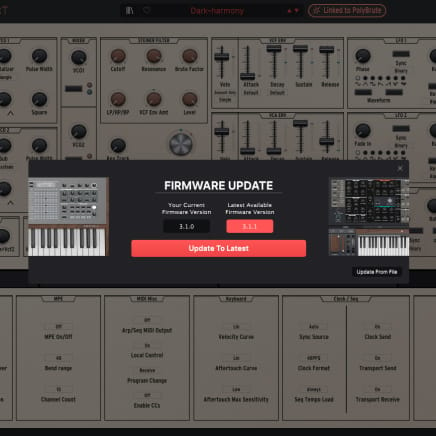
Al abrirse, PolyBrute Connect te avisará automáticamente si el firmware no está actualizado. En ese caso, puedes actualizarlo automáticamente (botón “Update to Latest”) o manualmente (botón “Update from file”).
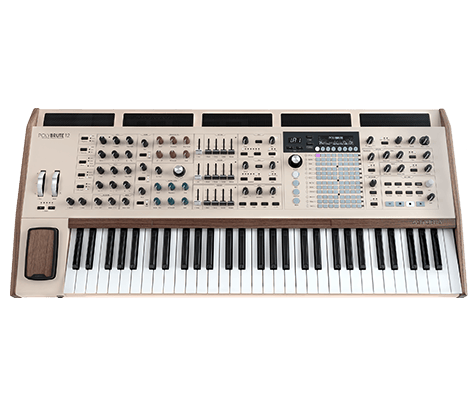
PolyBrute 12
Manuales
PolyBrute 12 ES Manual
Versiónes - 3.1.0|3.58 MB|10/16/2025

Polybrute Connect
Software
Manuales
Polybrute Connect ES Manual
Versiónes - 2.0.0|31.97 MB|12/30/2021
¿Necesitas más ayuda?
Nuestro equipo de asistencia estará encantado de ayudarte con tus preguntas sobre el uso de instrumentos Arturia. Puedes contactar con ellos en esta página:
¿Necesitas ayuda?