
PolyBrute 12
表現の美学
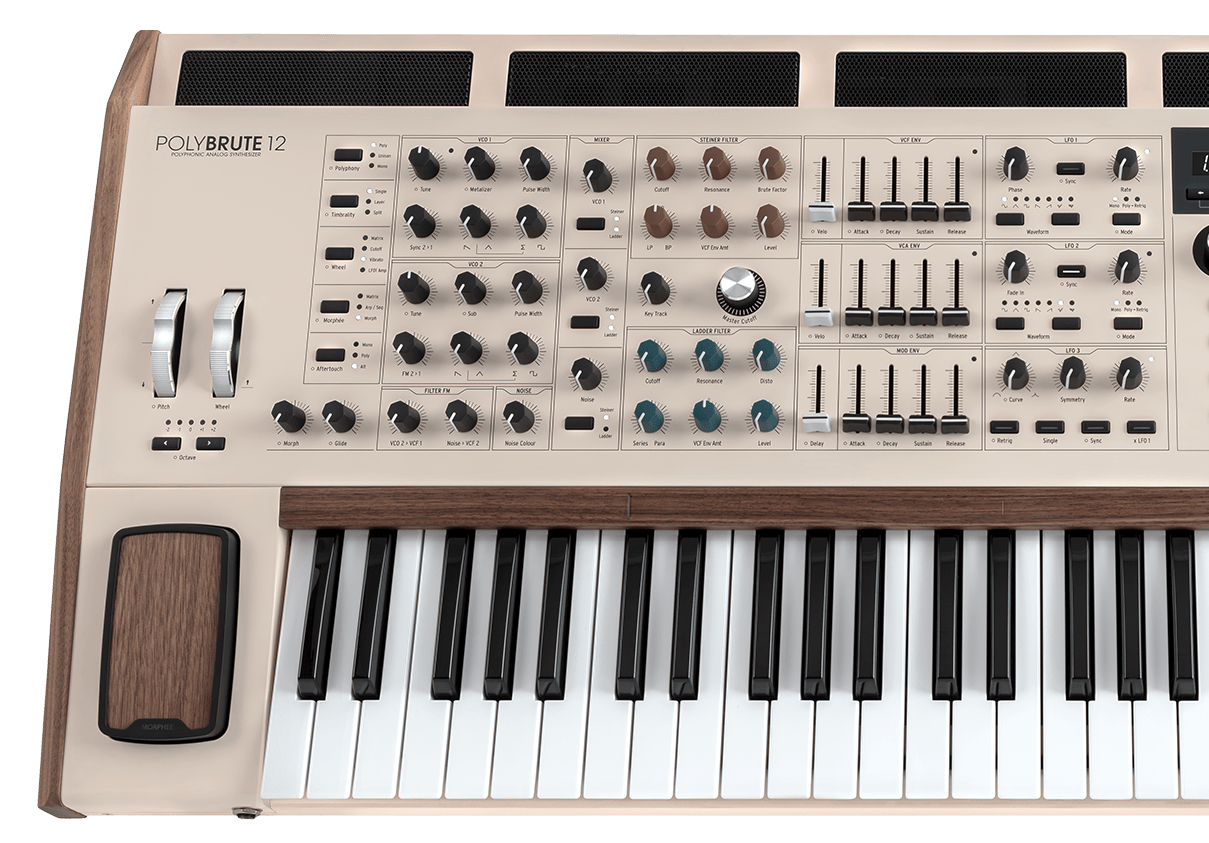
PolyBrute 12
チュートリアル
チュートリアル | Tutorials | PolyBrute 12 - Overview
Follow Matt Paul as he dives into PolyBrute 12, the most expressive synth ever. From its expanded 12-voice architecture and FullTouch® keyboard to the Brute oscillators, modulation matrix, morphing presets and effects - PolyBrute 12 is a conduit to unprecedented soundscapes.
チュートリアル | Tutorials | PolyBrute 12 - Settings & PolyBrute Connect
Follow Matt Paull as he takes you through the entire Settings area of the PolyBrute 12, unlocking many additional features of the instrument. Additionally, you will learn about its software counterpart called PolyBrute Connect, which will help you understand how to organize and manage your sounds and presets.
チュートリアル | Tutorials | PolyBrute 12 - FullTouch® Keyboard
PolyBrute 12's FullTouch® keyboard enables polyphonic expression unlike any other analog synth. Matt Paull shows us how in this in-depth tutorial, introducing a range of breathtaking presets and new aftertouch modes that set a new standard for in-the-moment analog expression.
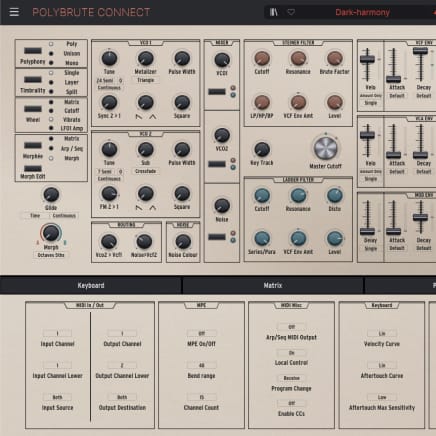
2. PolyBrute Connectを起動します
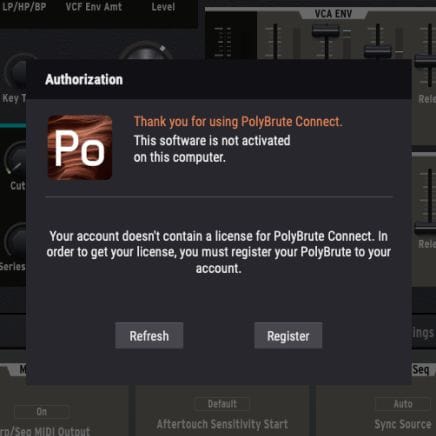
インストールが完了しましたら、PolyBruteをコンピュータに接続し、アプリケーションを開きます。コンピュータがインターネットに接続されていることをご確認ください。ファームウェアのアップデートに必要なすべての手順が表示されます。
オフラインのコンピュータをお使いの場合は、リソースページからファームウェア・ファイルをダウンロードしてから、PolyBrute Connectのインストーラーと一緒にUSBメモリーにコピーしてください。
詳細につきましては、FAQをご覧ください PolyBruteファームウェアアップデート・サポート
3. PolyBruteのファームウェアをアップデート
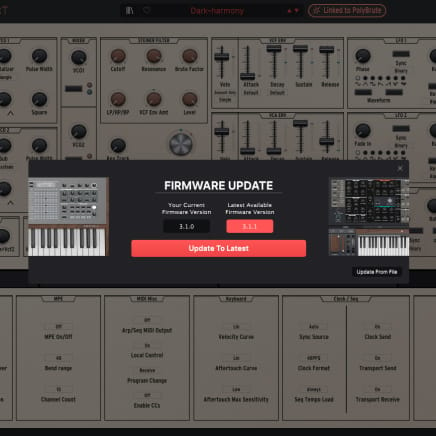
PolyBrute Connectを開くと、ファームウェアが最新でない場合は自動的に警告が表示されます。そのような場合は、自動アップデート (「Update to Latest」) ボタン、または手動アップデート (「Update from File」) ボタンからアップデートできます。
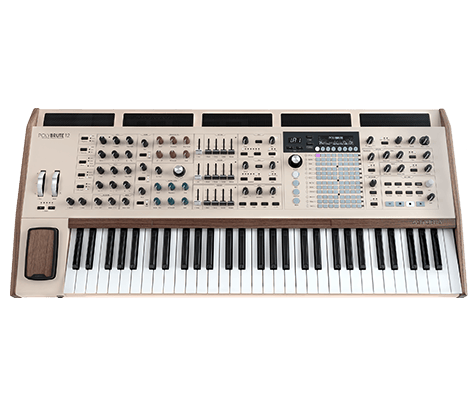
PolyBrute 12
マニュアル
PolyBrute 12 JA Manual
バージョンja - 3.1.0|3.58 MB|10/15/2025
Polybrute Connect
ソフトウェア
マニュアル
Polybrute Connect JA Manual
バージョンja - 2.0.0|32.64 MB|1/7/2022