
PolyBrute 12
The art of expression
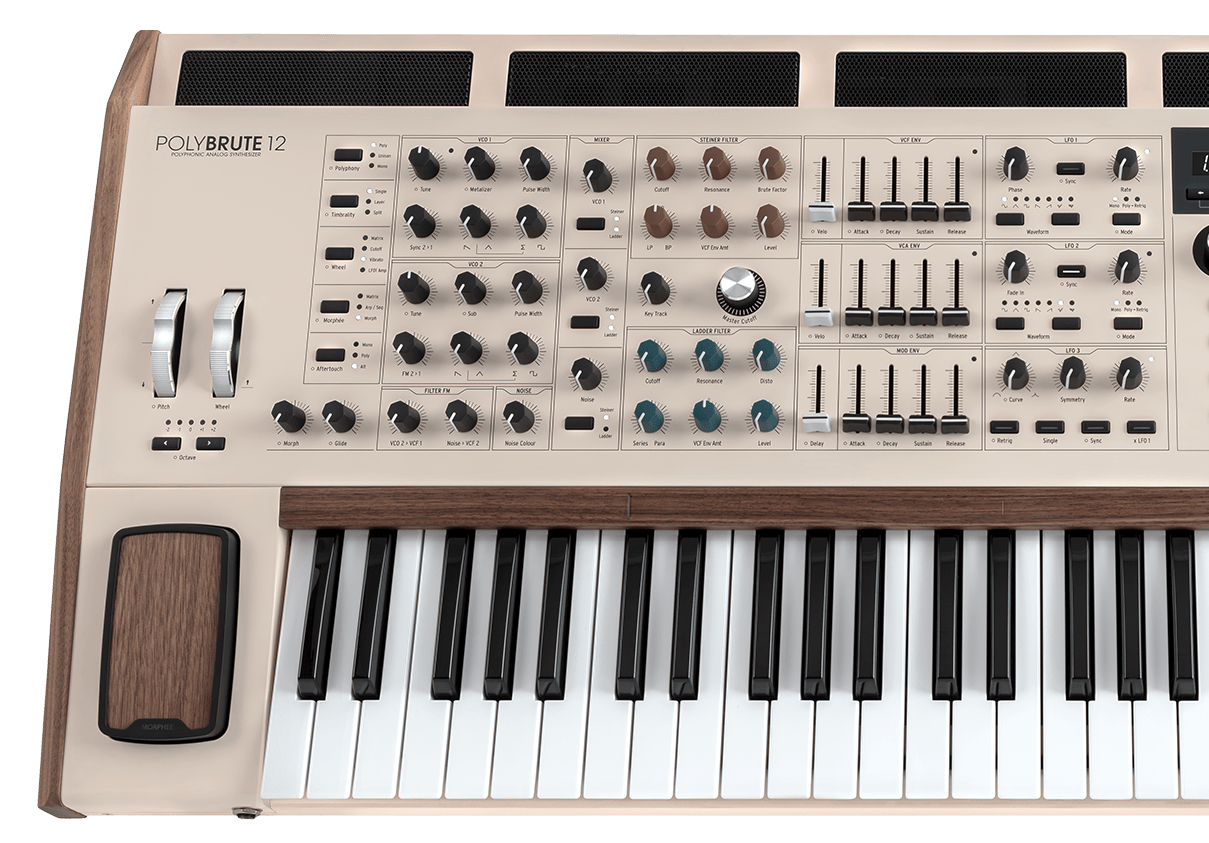
PolyBrute 12
Tutorials
Tutorials | Tutorials | PolyBrute 12 - Overview
Follow Matt Paul as he dives into PolyBrute 12, the most expressive synth ever. From its expanded 12-voice architecture and FullTouch® keyboard to the Brute oscillators, modulation matrix, morphing presets and effects - PolyBrute 12 is a conduit to unprecedented soundscapes.
Tutorials | Tutorials | PolyBrute 12 - Settings & PolyBrute Connect
Follow Matt Paull as he takes you through the entire Settings area of the PolyBrute 12, unlocking many additional features of the instrument. Additionally, you will learn about its software counterpart called PolyBrute Connect, which will help you understand how to organize and manage your sounds and presets.
Tutorials | Tutorials | PolyBrute 12 - FullTouch® Keyboard
PolyBrute 12's FullTouch® keyboard enables polyphonic expression unlike any other analog synth. Matt Paull shows us how in this in-depth tutorial, introducing a range of breathtaking presets and new aftertouch modes that set a new standard for in-the-moment analog expression.
1. Download & install the PolyBrute Connect
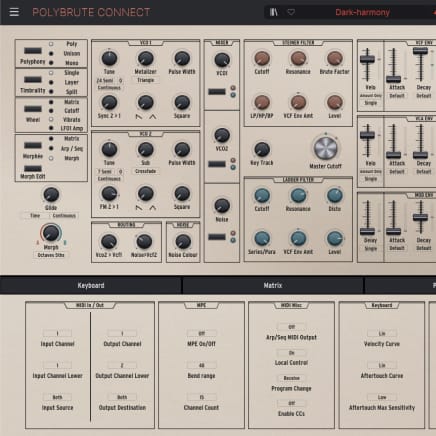
To download the PolyBrute Connect, click on the button below.
2. Launch PolyBrute Connect
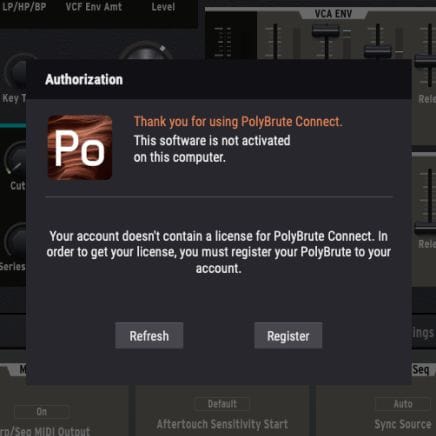
Once installed, simply connect your PolyBrute to your computer and open the application. Make sure your computer is connected to the internet. It will guide you through all necessary steps in order to update your Firmware.
If you're using an offline computer, please download the firmware file on the resources page before copying it on a USB key along the PolyBrute Connect installer.
For more help please refere to the FAQ PolyBrute Firmware Update Support
3. Udpate your PolyBrute Firmware
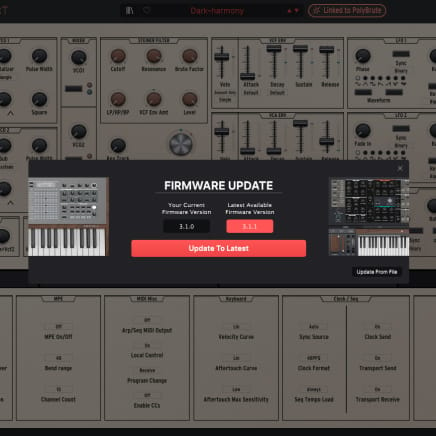
Upon launch, PolyBrute Connect will automatically warn you if your Firmware is not up-to-date. If so, you can update it automatically (“Update to Latest” button) or manually ("Update from File" button).
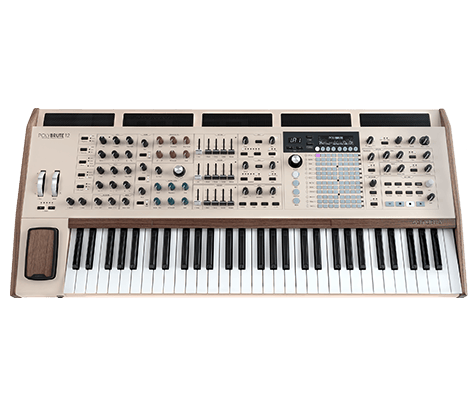
PolyBrute 12
Manuals
PolyBrute 12 EN Manual
Versionen - 3.1.0|3.45 MB|10/15/2025
Polybrute Connect
Software
Manuals
Polybrute Connect EN Manual
Versionen - 2.0.0|31.96 MB|12/3/2021
Need more help ?
Our support team is happy to help you with questions on how to use Arturia instruments. You can contact them from this page :
Ask for help